Not finding what you're looking for?
Contact UsUnderstanding Events
ExplanationEvery time a post on one of your monitored platforms matches one of your keywords, Messijo creates an event. That event is the thing you’ll review, filter, export, and act on. Here’s what’s in one and how to work with them.
What’s in an event?
An event is a single social media mention that matched one or more of your keywords. Each one contains:
- Platform: where the mention was found (BlueSky, Hacker News, or Lobste.rs)
- Author: the username of the person who posted
- Content: the full text of the post or comment
- URL: a direct link to the original post
- Timestamp: when the post was created
- Matched Keywords: which of your keywords triggered the match
- Lens Result: if you have Lenses configured, the matching events shown when you select a Lens
Viewing events
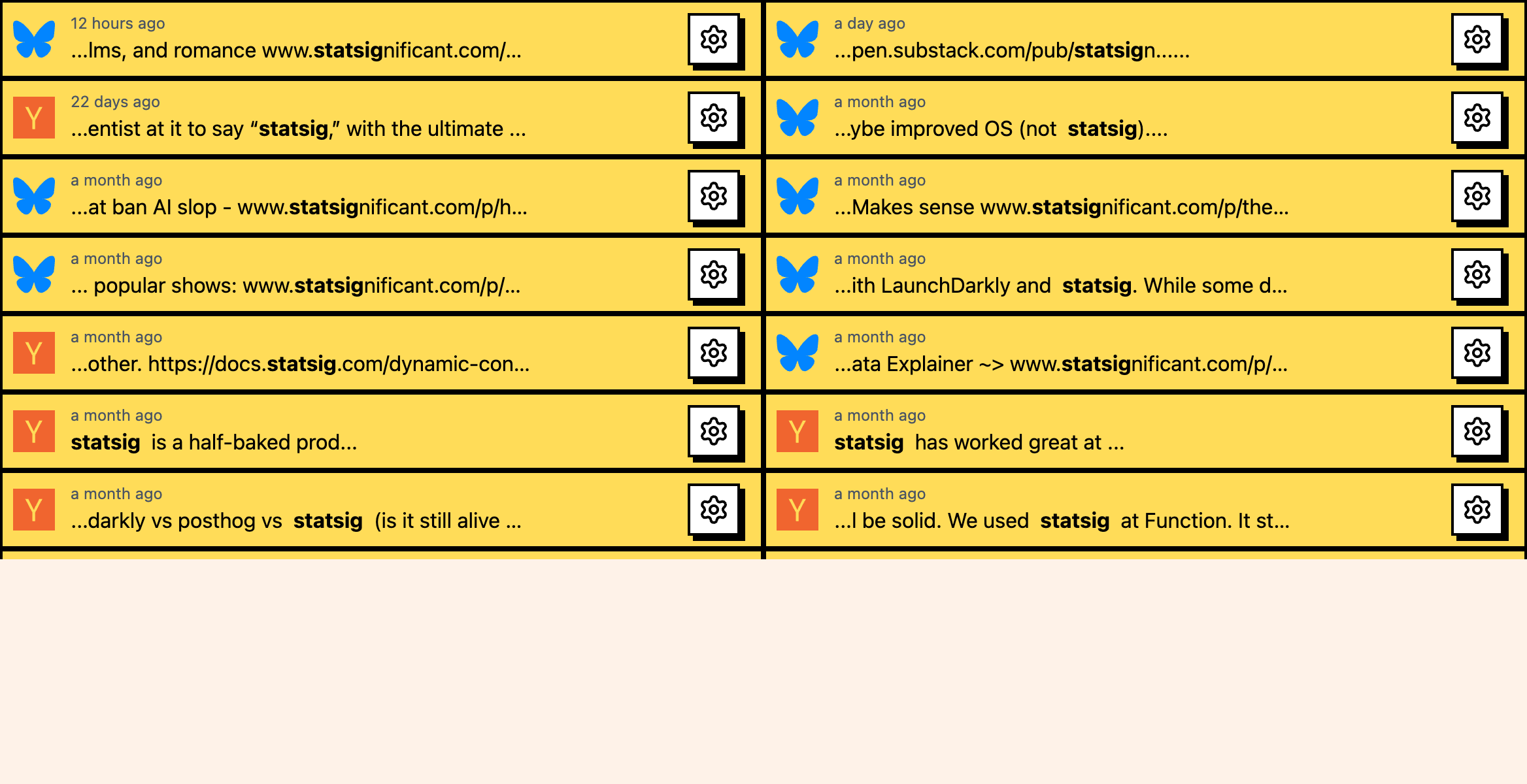
Go to Keywords, open the keyword you want to review, and use its Events page to see recent mentions. They’re listed newest first, and each card shows the platform icon, the author’s username, a snippet of the post content with matched keywords highlighted, the timestamp, and read/unread status.
Read and unread
Events have a read and unread state, like email. Unread events appear highlighted. Reading an event (clicking on it to expand or view details) marks it as read. You can manually mark an event as unread by clicking the indicator. The dashboard header shows a count of unread events.
This is how you track which mentions you’ve already looked at and which are new.
Filtering events
You can filter by platform and read/unread status on the keyword’s Events page. You can also select a Lens from the Lenses card to review events that match that Lens. If you’re getting too many events, filtering by platform or reviewing Lens-filtered results is the fastest way to focus on what matters.

Exporting events
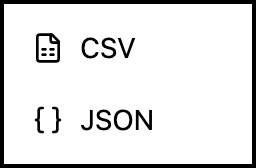
You can export your event data for analysis, reporting, or archival. Go to the keyword’s Events page, open the settings/export menu, and choose CSV or JSON. The export is for that keyword’s events and includes event data such as content, author, platform, timestamp, matched keyword, and available Lens result data.
A few things worth knowing:
- Check your events daily, or set up notifications so you don’t have to.
- If you’re drowning in events, filter by platform first, then set up a Lens to cut the noise at the source.
- Keep your unread count manageable. If it keeps climbing, that’s a signal you need better filtering, not more reviewing.
- CSV exports drop nicely into a spreadsheet for trend analysis.
Where to go next
- Dashboard overview for a tour of all Messijo features
- Set up notifications to get alerted about new events
- Learn about Lenses to filter events by intent