
Not finding what you're looking for?
Contact UsWhole-Word Matching
ExplanationWhen you set up a keyword, you can choose between whole-word matching and partial matching. This controls how strict the match needs to be, and it matters more than you might think.
What whole-word matching does
With whole-word matching, Messijo only triggers a match when your keyword appears as a complete, standalone word. The keyword must be surrounded by word boundaries (spaces, punctuation, or the start/end of text).
Example with keyword apple:
- ✅ “I love apple products”: matches (whole word)
- ✅ “The apple fell from the tree”: matches (whole word)
- ❌ “This is an applecation form”: does not match
- ❌ “I use applesauce in baking”: does not match
What partial matching does
With partial matching, Messijo triggers a match when your keyword appears anywhere in the text, even as part of a larger word.
Example with keyword apple:
- ✅ “I love apple products”: matches
- ✅ “This is an applecation form”: matches (contains “apple”)
- ✅ “I use applesauce in baking”: matches (contains “apple”)
- ✅ “applepie is my favorite”: matches (contains “apple”)
Which one should you use?
Use whole-word matching when:
- Your keyword is a common word that appears inside many other words (e.g., “art” inside “start,” “party,” “smart”)
- You want to reduce false positives from partial matches
- Your keyword is short (1-3 characters) and would match too broadly with partial matching
- You’re monitoring a specific brand name that shouldn’t appear as part of other words
Use partial matching when:
- Your keyword is long and specific enough that partial matches are likely relevant (e.g., a product name like “cloudsync”)
- You want to catch variations of a word (e.g., “monitor” to also catch “monitoring,” “monitored”)
- You’re tracking a hashtag or handle that might appear in different forms
- You prefer more coverage and will filter false positives with Lenses
Changing the setting
- Go to Keywords and click the keyword you want to edit
- Toggle Whole-word matching on or off
- Save
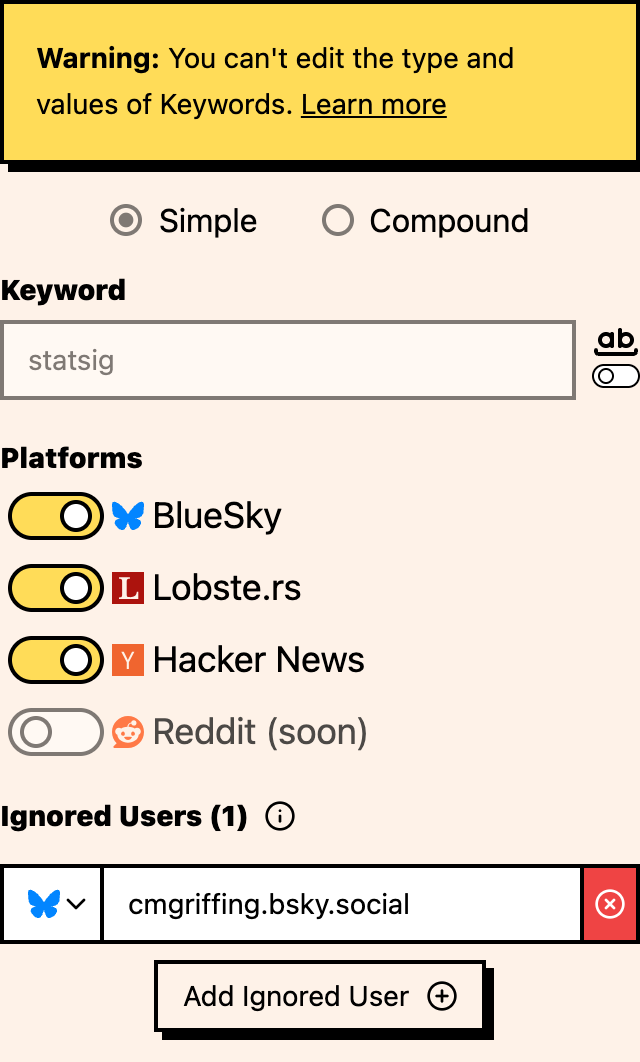
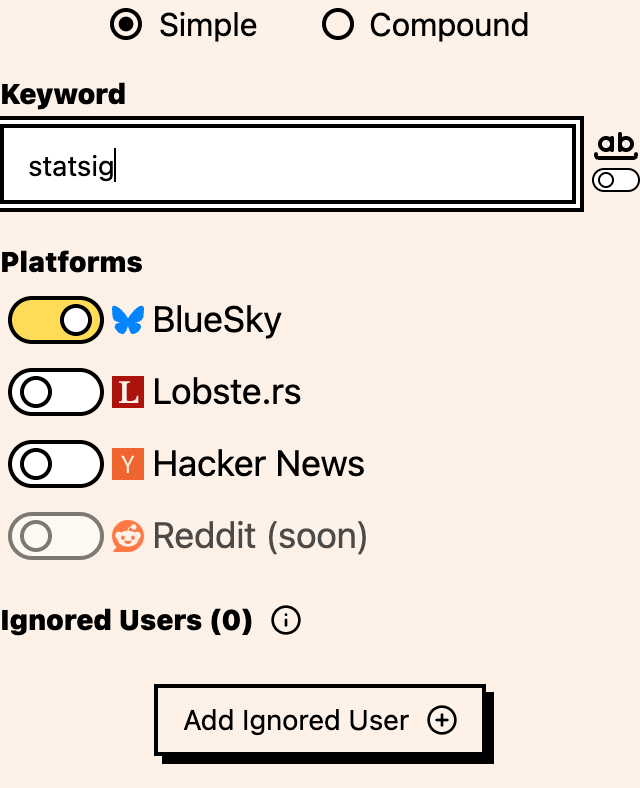
The change takes effect immediately for new events. Existing events are not re-evaluated.
The default
New keywords default to whole-word matching. It’s the safer starting point because it produces fewer false positives. If you find you’re missing relevant mentions, switch to partial matching.
How it interacts with other features
- Compound keywords: the whole-word setting applies to each term in a compound keyword independently
- Lenses: if partial matching generates too many false positives, use a Lens to classify which matches are actually relevant
- Ignored users: combine with ignored users to filter out accounts that frequently post partial-match false positives
Where to go next
- Simple vs compound keywords: refine matching with AND/NOT logic
- Ignoring users: filter noise from specific accounts
- Per-platform setup: choose platforms per keyword